

Tips
10 Simple Smartphone Photography Tips for Better Holiday Photos
Our Smartphone Photography Tips
You don't need an expensive camera - or years of experience - you just need Smartphone Photography Tips to bring home holiday photos you'll want to print and frame. The phone you already carry with you is capable of taking wonderful photos once you know a few simple tricks. These ten tips are easy to follow and don't require any special equipment or technical background.
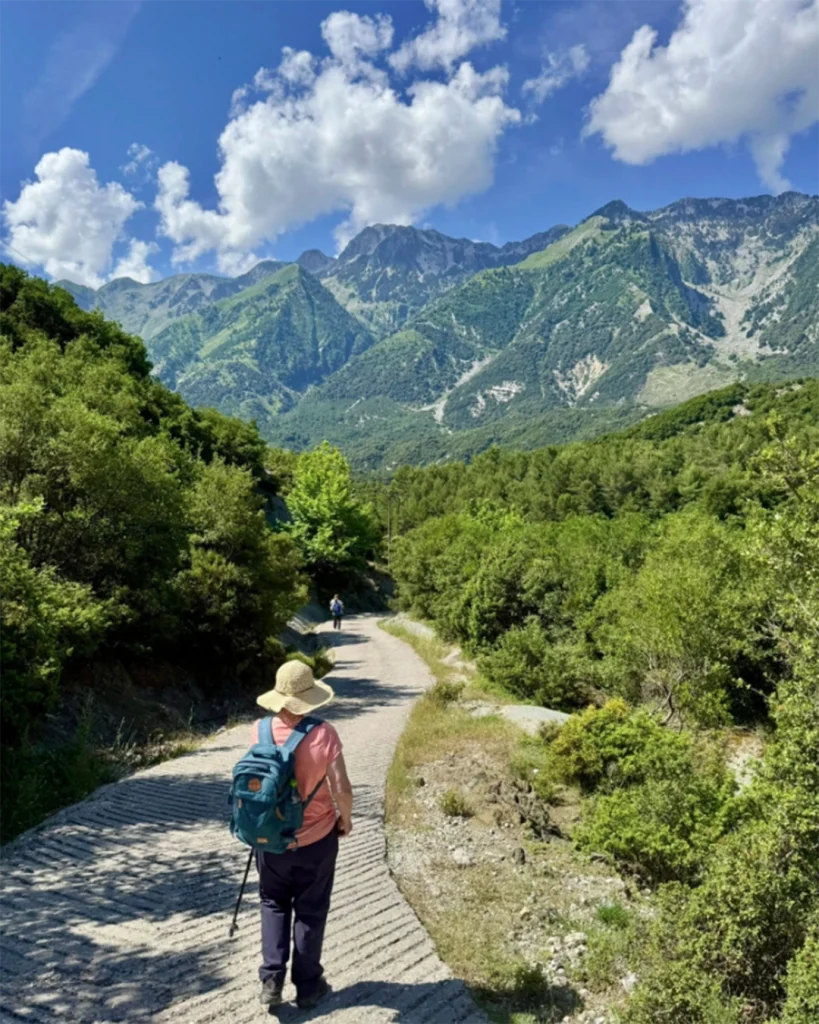
A photo taken on a mobile phone using our tips!
This was taken on our Walking in the Beautiful Balkans Holiday!
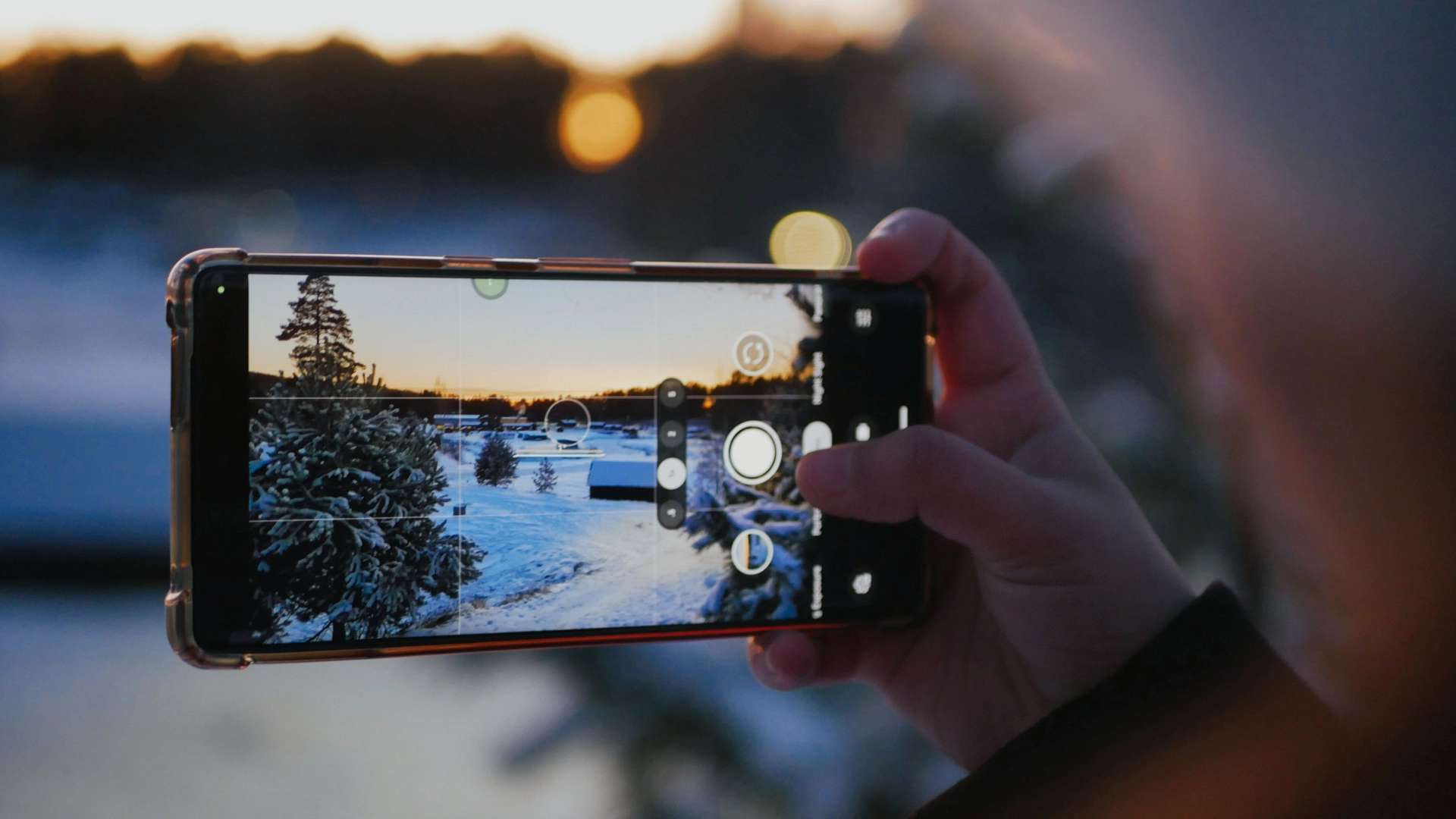
1. Take a few Minutes to Explore Your Camera App
Before you set off on your travels, it's worth spending a few quiet minutes getting familiar with your phone's camera app. Open it up and simply tap around - most phones let you adjust things like brightness and turn on helpful guide lines that appear on the screen to help you line up your shot. You won't break anything by exploring, and a little familiarity goes a long way once you're out and about.
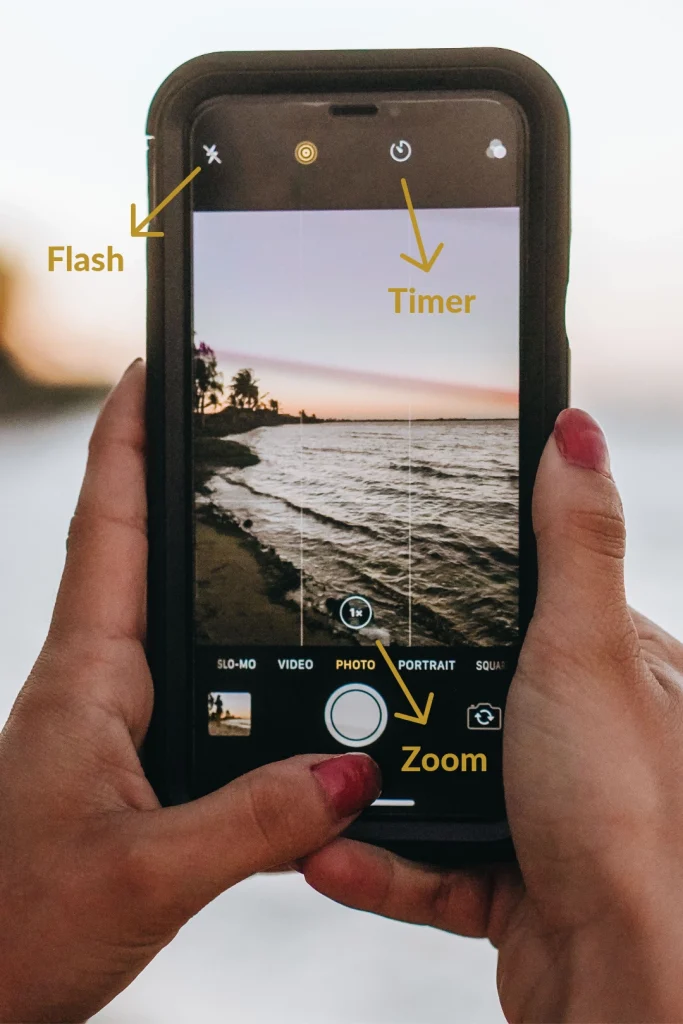
Here is where you can find key features of your camera!
Here is where to find the zoom, flash and timer for your phone camera. The zoom can help you take close up photos, the timer helps you if you have a tripod, and the flash can help in dark places, or at night time.
2. Walk Closer Rather Than Zooming In
It's tempting to use the zoom button to get closer to something in the distance, but on most phones this can make the photo look blurry or grainy. A better approach is simply to walk a little closer to whatever you're photographing before taking the shot. If your phone does have a proper zoom lens (this is different from the on-screen zoom slider), that's fine to use - but when in doubt, walking closer usually gives the clearer photo.
The images below show what can happen if you zoom in, and zoom out.
3. If Your Phone Is Very Old, It May Be Worth Upgrading
This one is entirely optional, and there's no pressure here - many phones take lovely photos for many years. But if your phone is quite old and you've noticed your photos looking blurry or dull no matter what you try, it may simply be that the phone's camera is starting to show its age. If and when you're due for a new phone anyway, know that newer phones generally take clearer photos - but there's no need to upgrade just for this.
4. Take Photos In Daylight Whenever You Can
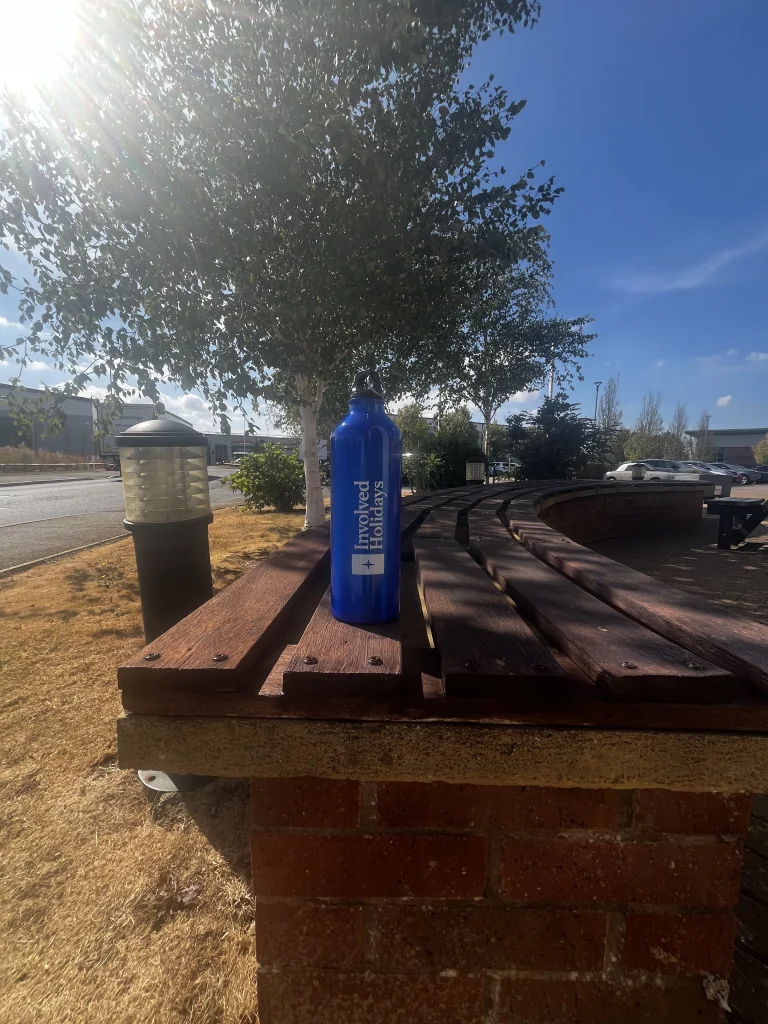
Another one of our Smartphone Photography Tips Daylight is the easiest and most flattering light for photos. Photos taken outdoors on a bright day, or in the soft light of early morning or early evening, tend to come out with richer colours and clearer detail. Where you can, it's best to avoid using the flash indoors or in the evening, as it often creates harsh shadows and can make colours look unnatural.
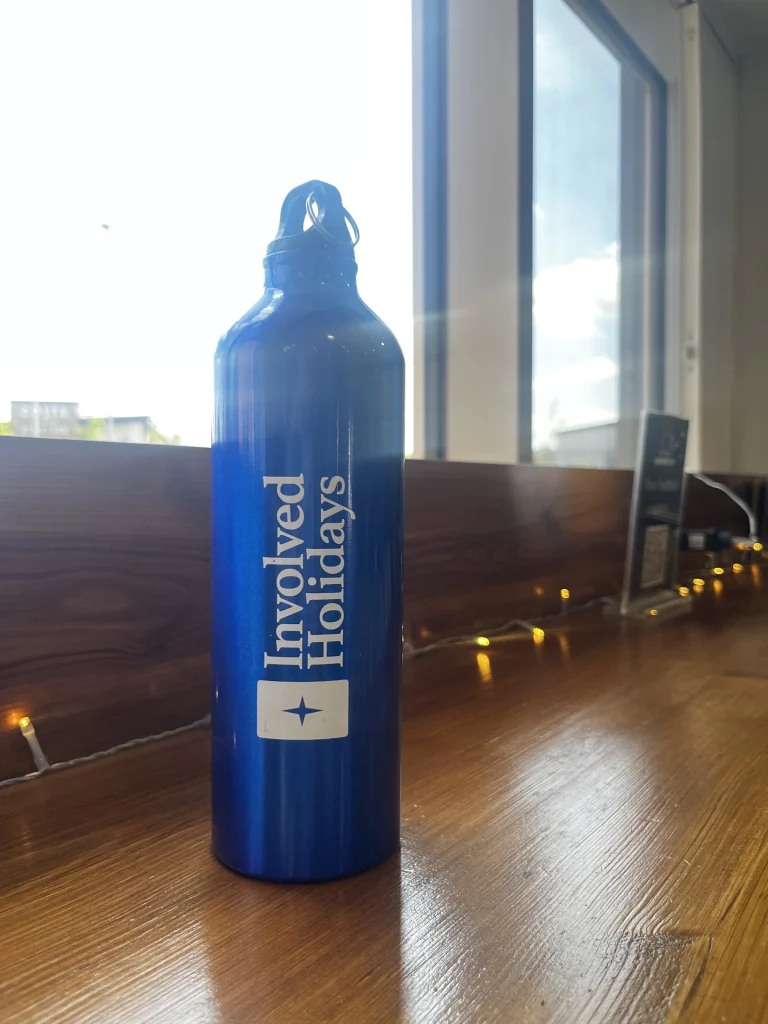
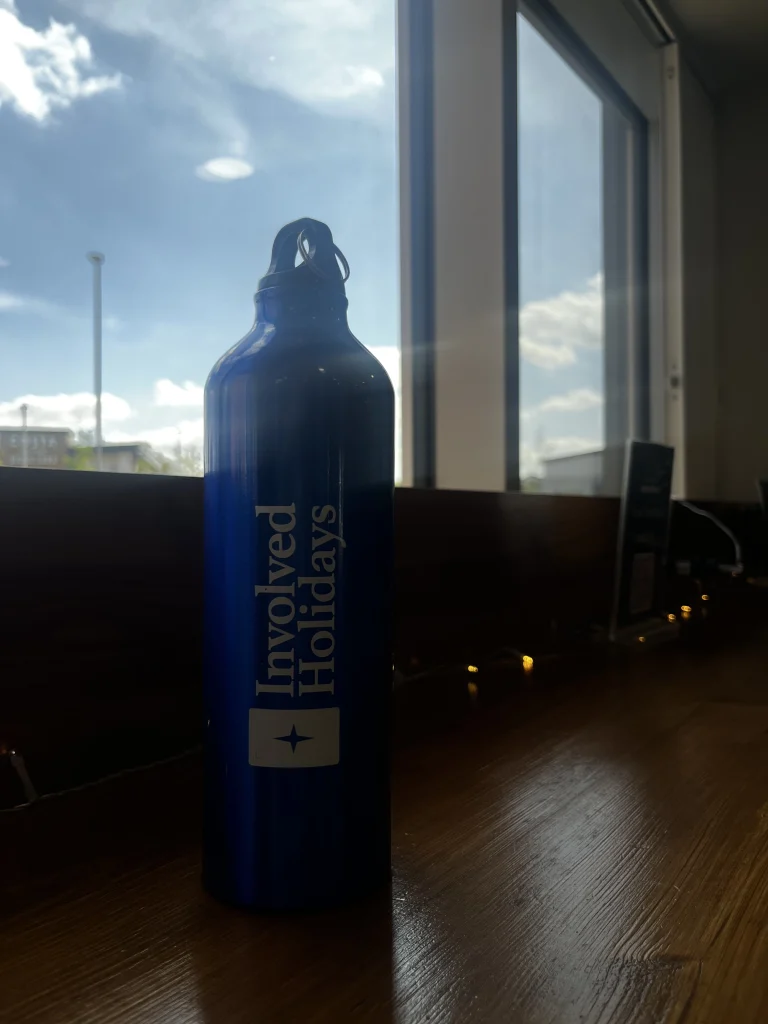
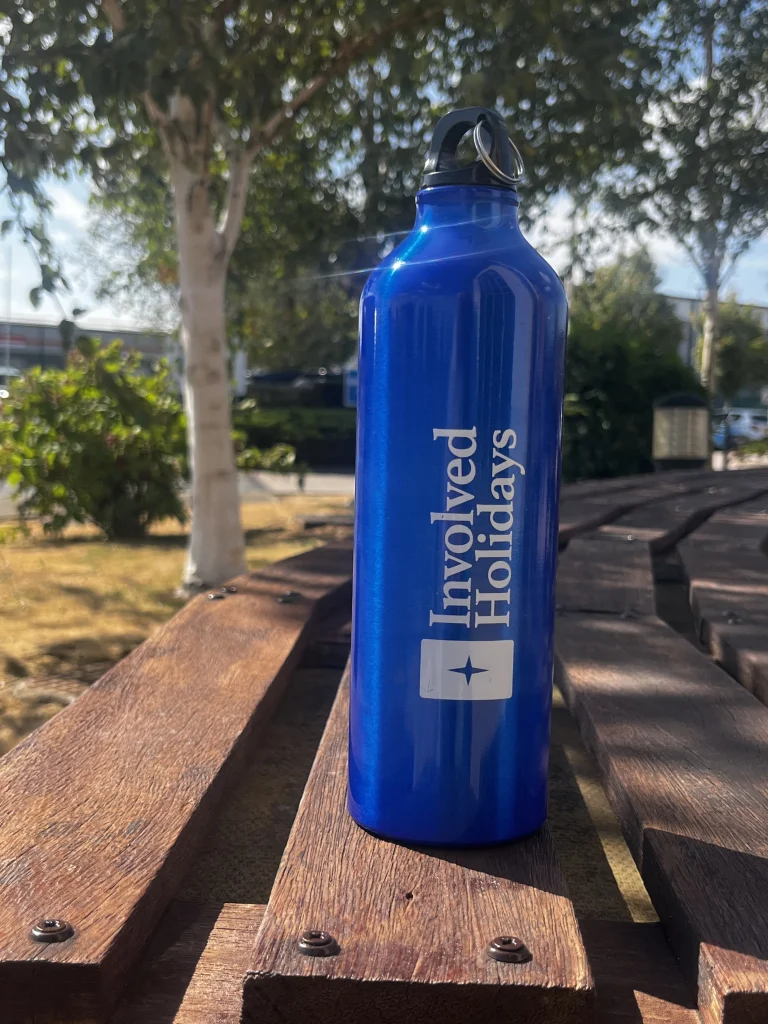
This image shows the perfect amount of daylight.
This photo was taken with no zoom, and no artificial light, making it a much better photo than the examples.
5. Try HDR Mode for Tricky Scenes
Many phones have a setting called "HDR," which you may see as a small button when you open your camera app. It's worth turning this on, especially for scenes with both bright and dark areas - for example, a sunny sky above a shaded garden. HDR helps even out the difference so both the bright and dark parts of your photo look clear, rather than one part being washed out.
6. A Small Touch-Up Can Help - But Less Is More
Most phones now come with a simple photo editor already built in - usually found by opening the photo and looking for an "Edit" button. Here you can gently brighten a photo or make the colours a little richer. There's no need to download anything extra unless you'd like to; the tools already on your phone are usually enough. The key is to make small adjustments rather than big ones, so the photo still looks natural.
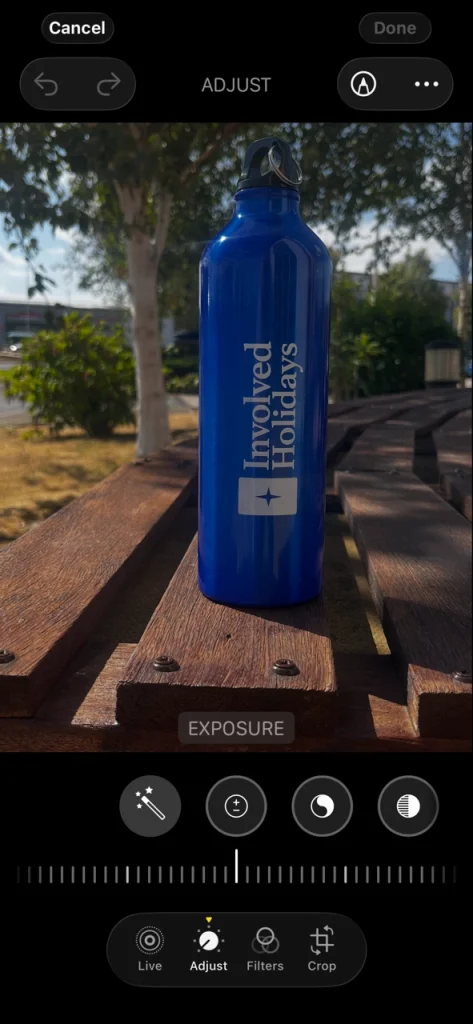
Sometimes a little editing helps!
The exposure is how bright the picture is. Experiment with these settings to perfect your photo!
7. The More You Practise, the More Confident You'll Feel
Like any skill, photography becomes easier and more enjoyable with a little practice. Try taking photos of everyday things at home before your trip - the garden, a pet, a cup of tea by the window - just to get comfortable with your camera. By the time you're on holiday, it will feel much more natural.
8. Take a Few Photos of the Same Thing
There's no such thing as taking "too many" photos of a lovely view or a special moment. Take two or three photos of the same scene, perhaps shifting slightly each time, and pick your favourite later. This takes the pressure off getting the "perfect" shot on the first try.


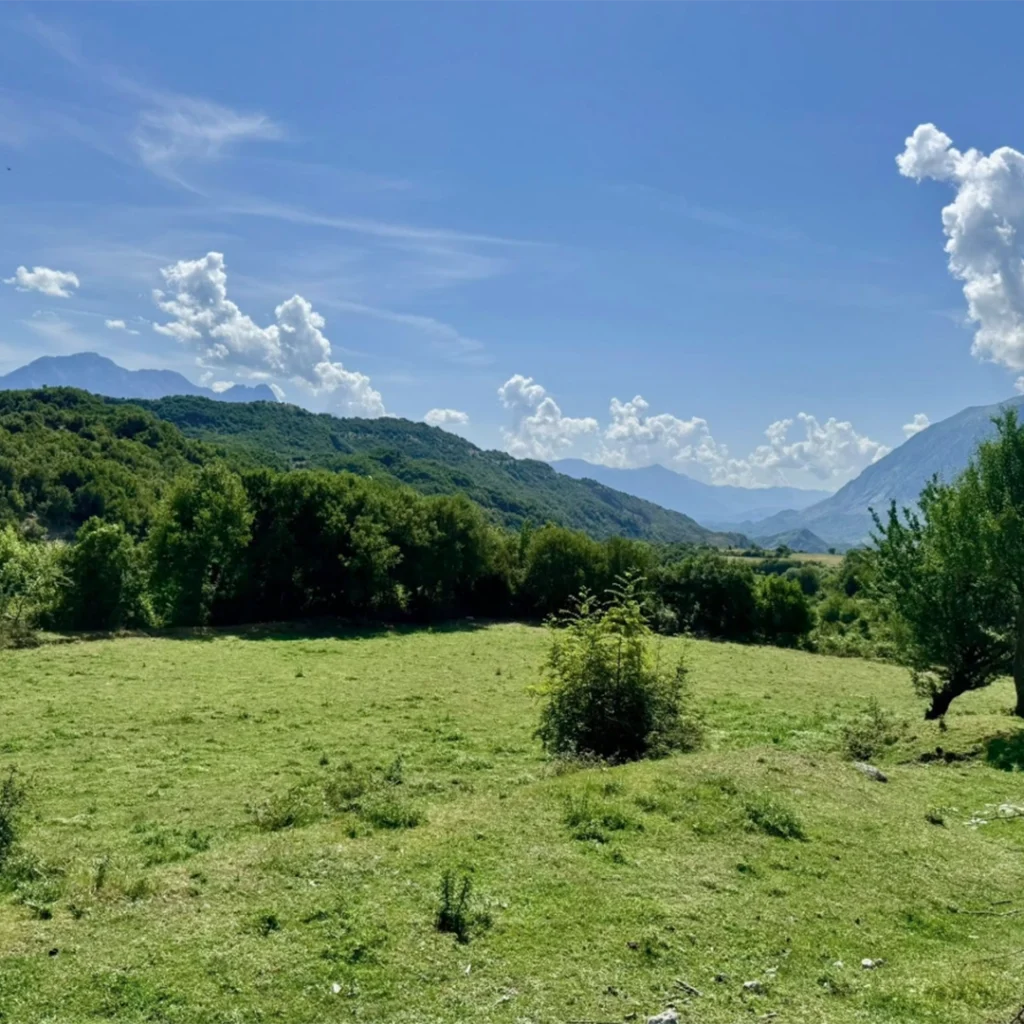
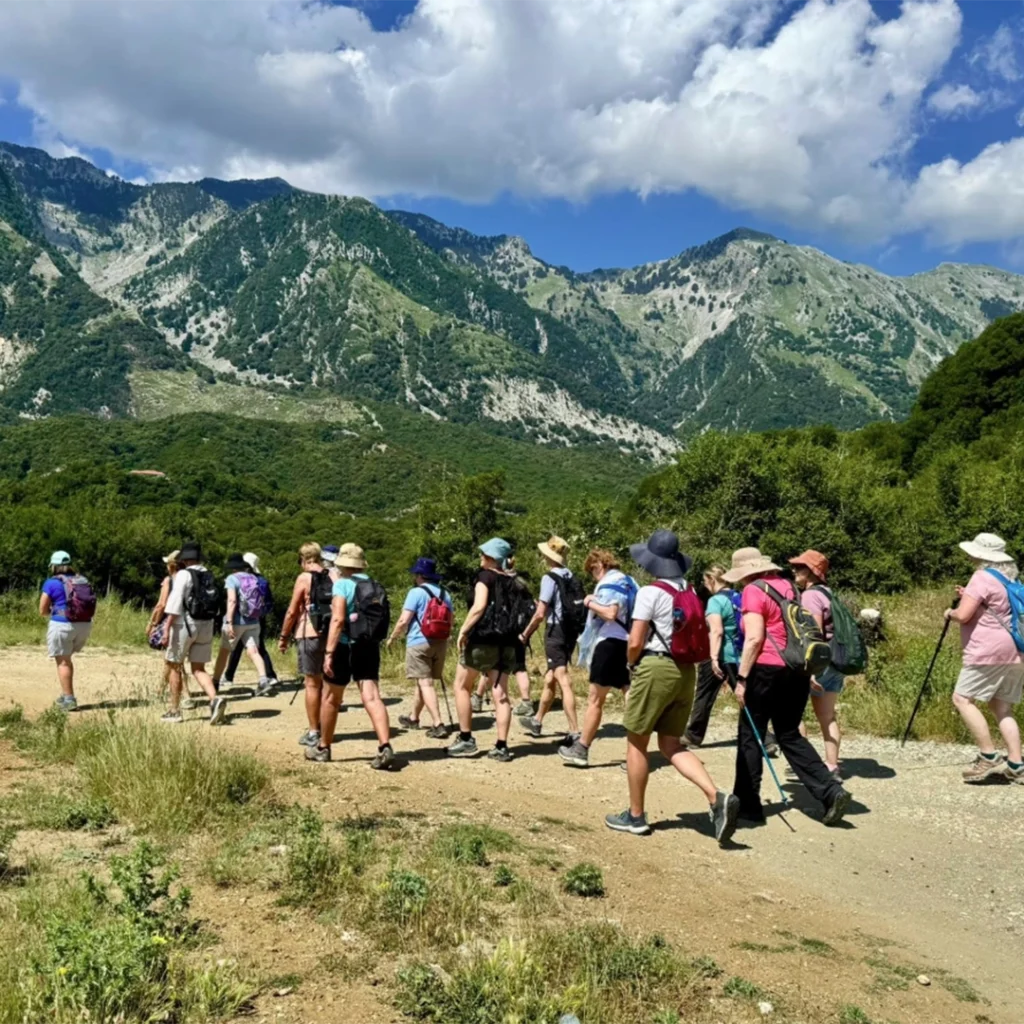

The images above are from our Walking in the Beautiful Balkans holiday. All taken on a phone! Another amazing holiday to practise your photo skills on is Walking in Brescia and the Italian Lakes.
9. A Simple Trick for Better-Looking Photos
Here's a simple trick photographers use: instead of placing your subject right in the centre of the photo, try placing it slightly off to one side - imagine dividing your screen into three equal columns, and lining your subject up along one of those lines. This small change often makes a photo feel more natural and pleasing to look at. Or, try placing your subject in the bottom half of the screen, so that more of the background can be included.
10. Keep Your Phone Still When It's Dark
When taking photos in low light - indoors in the evening, or at dusk - try to keep your hands as still as possible, or better yet, rest your phone against something solid like a table, railing, or wall. Even a small wobble can make an evening photo look blurry, and a steady phone makes a big difference to how clear the photo comes out.
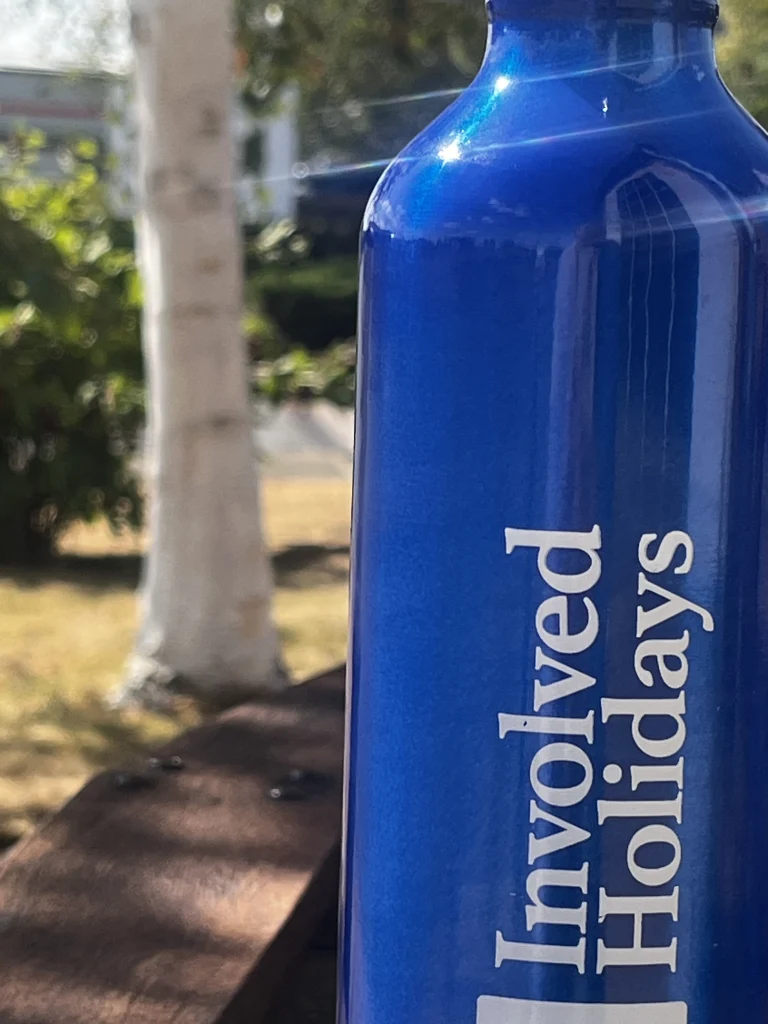
Don't forget - once you have perfected your photos - enter into our photo competition for the chance to win £100 off of your next holiday and an Involved Holidays Rucksack! Our topic for this quarter is Local Guides (ends 30th September at 23.59) . Your best snaps of our amazing guides in their natural habitat - leading the way on our beautiful walks. Or you can enter your photos via our Facebook or Instagram! View our terms and conditions here.